
Southampton County Property Tax Records and Their Fields
Assessment and billing live in separate offices. The Commissioner of the Revenue maintains the value side of Southampton County tax records. The Treasurer handles bills, payments, and account history. The Treasurer's online tools include a real-estate inquiry, a payment page, a yearly paid history, and e-bill options. A terms gate sits in front of the account fields, though. Treat the breakdown as a map to the right office and the right record. It is not a promise that one screen shows every field at once.
| Field | What It Shows | Where |
|---|---|---|
| Assessment | Value and parcel information maintained for local tax work | Commissioner of the Revenue |
| Real-estate tax inquiry | Account lookup after terms acceptance; exact result fields need live check | Southampton Treasurer |
| Yearly tax-paid history | Real-estate taxes paid by year | Treasurer e-services |
| Online payment | Payment route for a real-estate tax bill | Treasurer e-services |
| E-bill options | Electronic billing choices; personal-property flow has separate login fields | Treasurer e-services |
An assessed number answers a different question than the amount owed or a recorded sale price. The public card's full field list stays behind its terms gate. Ask the Commissioner whether land, improvement, total, taxable, exemption, and transfer details appear for the parcel, then turn to the Treasurer for the bill and payment side.
Southampton County Real-Estate Inquiry
The Treasurer's real-estate inquiry stands apart from its payment page and yearly history. Its form opens with a terms gate. The account fields appear only after acceptance. It is safer to describe what the page is for. A specific balance, penalty, interest, or assessed-value field should not be promised behind the gate. The account can be urgent. Call the Treasurer with the parcel or tax reference in hand.
The e-Services landing menu sorts real-estate payment lookups by department. Searches also run by bill number, name, account number, or map ID. Copy a map ID exactly as the county system shows it. Parcel keys and tax-service formats do not always match. Inquiry, payment, yearly paid-history, and e-bill screens each do their own job. A bill search is not a deed search. Nor does an electronic-bill setting prove anything about ownership. A result may not match the parcel. Ask the Treasurer which account reference applies. Do not keep retrying a partial number. The Treasurer's e-Services menu separates inquiry, payment, yearly history, and e-bill options.
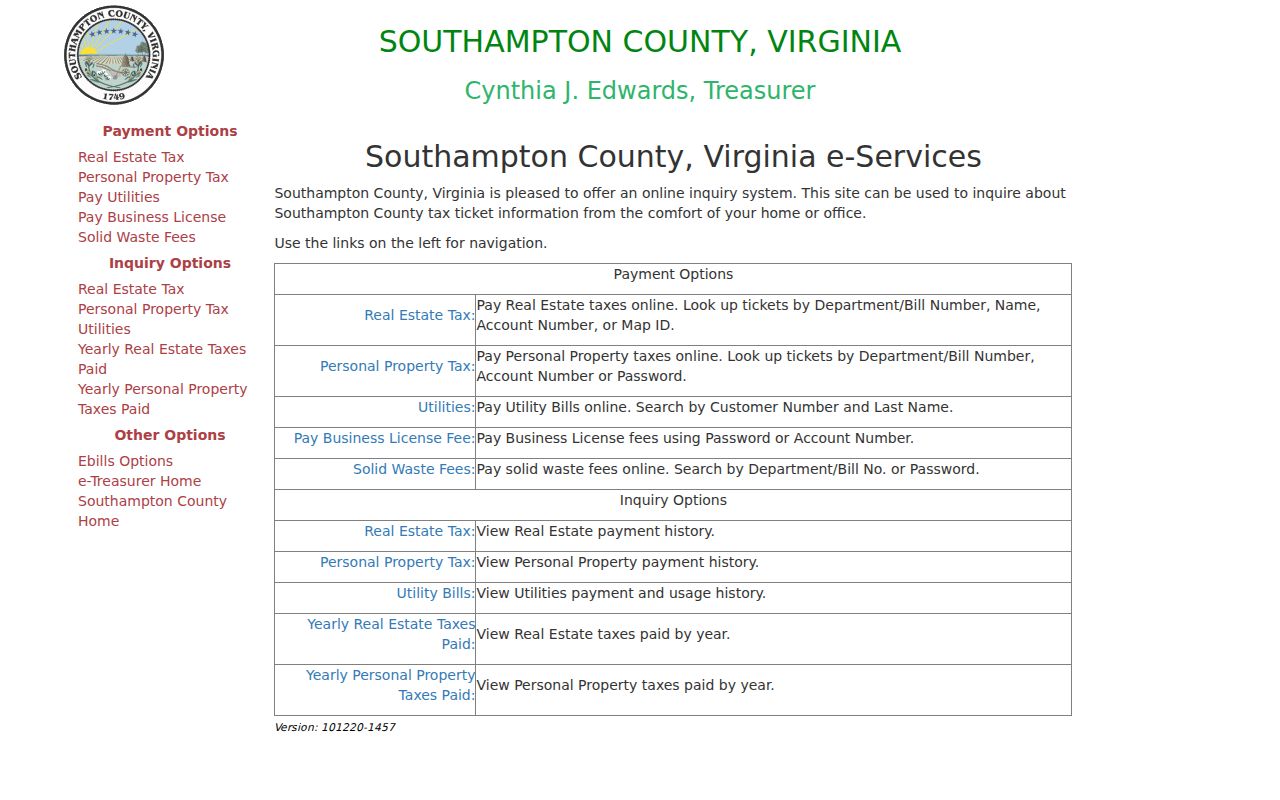
Choose the real-estate path for land-tax questions; the menu does not display the parcel's deed or legal description. The real-estate inquiry form is the county's online account lookup entrance.
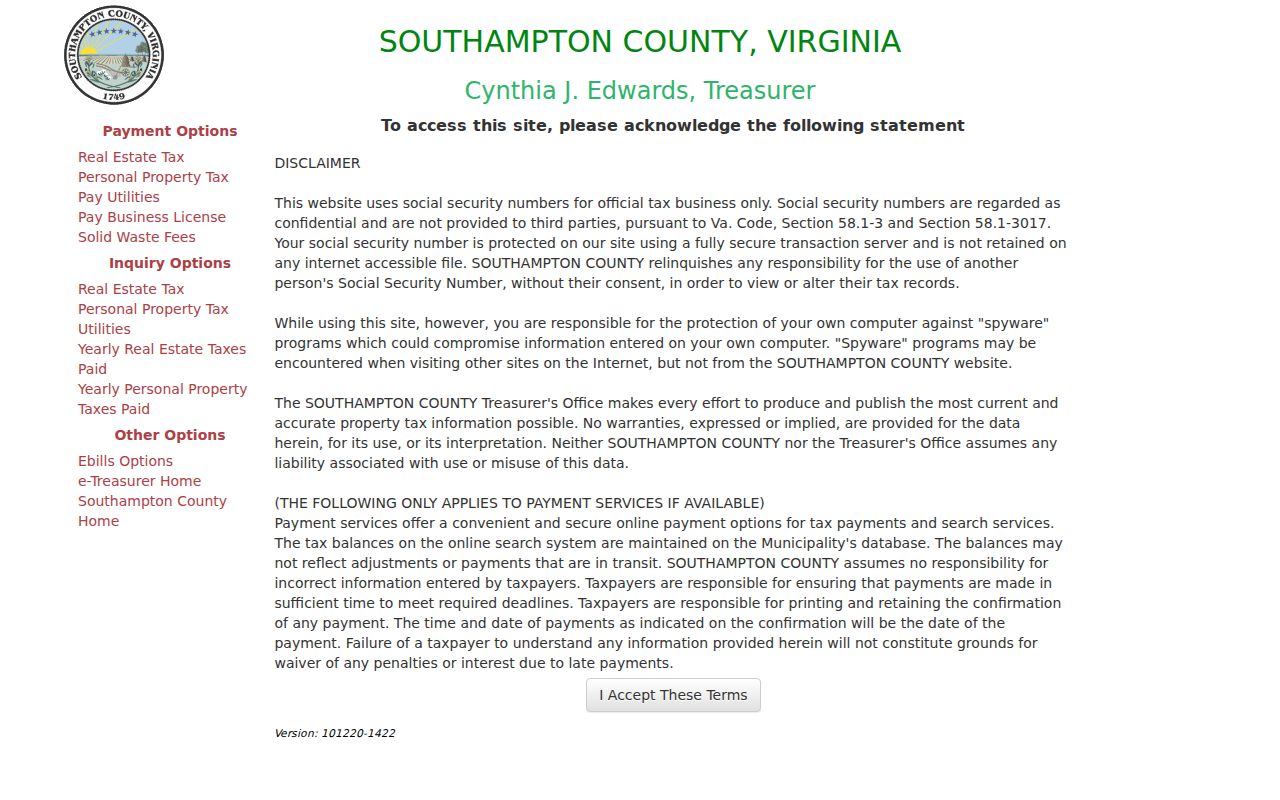
The screen shows the lookup path. A live session or a Treasurer call confirms the account details.
Southampton County Rate and Tax Math
Southampton's FY 2025–26 budget lists a real-estate rate of $0.71 per $100 of assessed value. At that rate, $100,000 of assessed value produces $710 in gross county tax. That figure comes before district charges, relief, penalties, or adjustments. The example is pure arithmetic. It is not a sale valuation. It may not match a bill once other lines are added. Confirm the current fiscal-year rate and bill detail with the Treasurer. Do this before relying on any calculation.
Keep the rate year with your notes. A future budget can change it. An old figure cannot establish the current obligation. Ask whether a displayed amount reflects a payment or adjustment still in transit. The county itself cautions that the online balance may lag those transactions. Retain the receipt and verify the account when a closing, estate, or tax-sale question turns on the exact amount.
Find a Southampton County Tax Bill
Start with the parcel, not a surname. InteractiveGIS is the public map and address-to-parcel route for Southampton County. Once you have the account or parcel reference, open the Treasurer's real-estate inquiry. Accept its current terms to reach the account fields. If the online result is unclear, call the Treasurer and ask which reference it uses. Ask whether a payment is still in transit, and how to obtain an account statement.
- Identify the parcel in InteractiveGIS and copy its number exactly as shown.
- Open the real-estate tax inquiry from the Treasurer's service menu.
- Record the tax year and status shown; the live result fields were not independently verified.
- Use the yearly paid-history link for older payments and retain any payment confirmation.
- Assessed value
- The Commissioner's value entry used in the tax process.
- Tax bill
- The Treasurer's charge for the account and period.
- Land-use valuation
- A program handled by the Commissioner; ask about local eligibility and current forms.
- Tax lien
- A claim related to unpaid tax; verify account status and recorded documents.
Southampton County Paid History and Payments
The yearly history page covers real-estate taxes paid by year. The payment screen handles the transaction itself. Use the history to see what the account shows for prior periods, then contact the Treasurer if a payment is missing or an adjustment is pending. Keep the website receipt, because the inquiry screen may not update at once. The county provides a yearly paid-tax history for real estate.
Check the period and parcel carefully; a payment history is not an ownership record. For a current bill, use the real-estate tax payment route.
Save the transaction confirmation, and ask the Treasurer to confirm receipt when the timing matters.
Southampton County E-Bill Options
The Treasurer also publishes electronic-bill settings. The e-bill page offers a real-estate option. It also has a personal-property flow with last-name and password fields. Those personal-property inputs are not a way to search land ownership. Start from the menu entry that fits your account. Follow its current instructions, since enrollment rules and delivery details can change. Review the Southampton e-bill options page to see the separate entry choices.
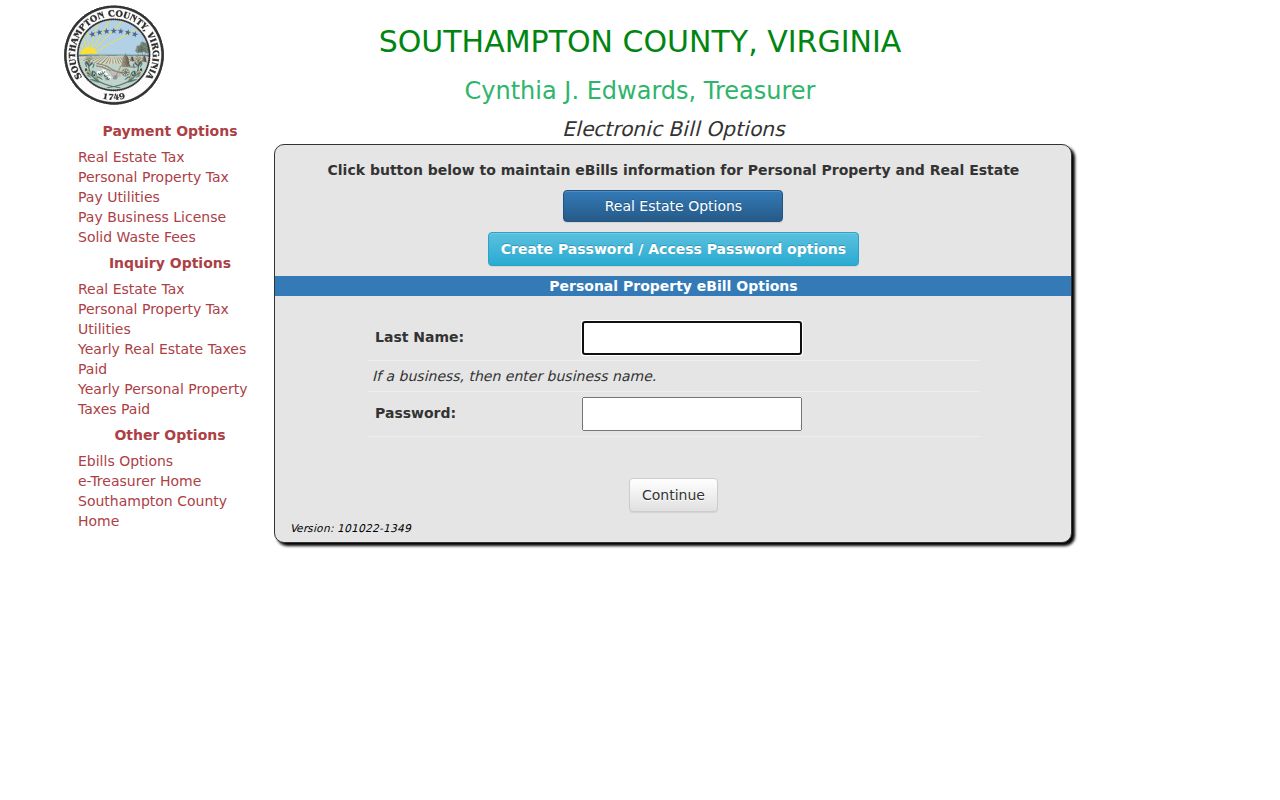
The Treasurer's page shows e-bill enrollment controls, not parcel results.
Assessment Relief and Land-Use Values
Land-use valuation and tax relief sit with the Commissioner of the Revenue. Both programs are local assessment tools. They can lower a taxable amount while leaving the deed and the parcel's legal description untouched. No complete exemption list is published. Ask the Commissioner instead. Staff can explain current eligibility, the application form, renewal steps, notice dates, and how a transfer or a change in land use affects relief.
Start any review with the assessment notice itself. Ask which figures are land, improvements, total, taxable, and relief. A missing parcel split or building change is easier to raise when you bring the recorded plat, deed, survey, or photographs you already hold. An e-bill flag proves nothing about occupancy. It shows only how the Southampton County tax bill arrives.
Delinquency Is Not a Tax-Sale Deed
Delinquency, a sale notice, and a recorded deed are three separate facts. Each needs its own proof. The Treasurer answers payment questions first. Sale notices typically run in newspaper legal ads or county public postings. A transfer instrument belongs in the Circuit Court Clerk's land index. Southampton County publishes no live countywide tax-sale list or sale calendar.
Start with the account's exact stage. Is the old balance delinquent, advertised, sold, or redeemed? After a completed sale, hunt for a trustee's or commissioner's deed plus the court file behind it. An unpaid balance never transfers ownership by itself. Only the recorded deed does that. A narrow Virginia FOIA request can seek existing notices by parcel and tax year, with an advance estimate of search and copy costs.
Request a Southampton County Tax Record
Some records never reach an online form. A payment ledger, delinquency notice, or assessment history may live only with the custodian. Ask the Treasurer for account and transaction details. Ask the Commissioner for assessment and relief records. A written Virginia FOIA request should name the parcel, the account if known, the record type, and the time period. Ask for an electronic copy in the format the office already holds. Request a cost estimate before any large search.
FOIA covers existing records only. It cannot force an office to build a new spreadsheet or explain a tax result. The Virginia Department of Elections notes that requests may arrive by mail, fax, email, in person, or by phone. A response is due within five working days. Charges cannot exceed actual search, duplication, supply, and redaction costs, so file the request and reply with the account record for later reference.
Appeal a Southampton County Assessment
Southampton County publishes no local appeal calendar. No filing deadline, review-board name, or appeal form appears on the county pages either. Never borrow a deadline from another county. Call the Commissioner of the Revenue promptly. Once an assessment notice arrives, ask for the current appeal path. Also ask for the correct submission address and what evidence is accepted. Confirm whether land-use valuation or tax relief faces a separate review. Request the parcel card and assessment history too. That way the challenge targets the exact value field in dispute.
Confirm the date first. Southampton's live appeal deadline and form were not located in public pages. Contact the Commissioner for current filing dates before relying on an appeal calendar.